Unleash the power behind every formula and script.
Learn the fastest ways to analyze data, automate reporting, and build tools in Google Sheets with expert guides and real workflows.
| A | B | C | |
|---|---|---|---|
| 1 | Name | Score | Result |
| 2 | Mia | 92 | 92 |
| 3 | Leo | 78 | |
| 4 | Ana | 85 |
- 500+
- Curated functions
- 15+
- In-depth tutorials
- 7
- Step learning path
Everything you need to get fast in Sheets.
Function playbooks
Learn the formulas that turn raw data into real answers.
Automation blueprints
From triggers to workflows, ship repeatable time-savers.
Strategy notes
Design spreadsheets that teams can trust and scale.
A 7-step learning path to master Sheets.
Follow a curated path that builds skills in the exact order that real spreadsheet work demands.
View the path- 01Core formulas and data types
- 02Text cleanup and transformations
- 03Lookups with XLOOKUP and INDEX/MATCH
- 04Filtering and sorting patterns
- 05Date and time logic
- 06Dashboards and reporting layouts
- 07Apps Script automations
Unlock the potential of Google Sheets formulas.
Master the essentials and the advanced patterns that make data feel effortless to analyze and share.
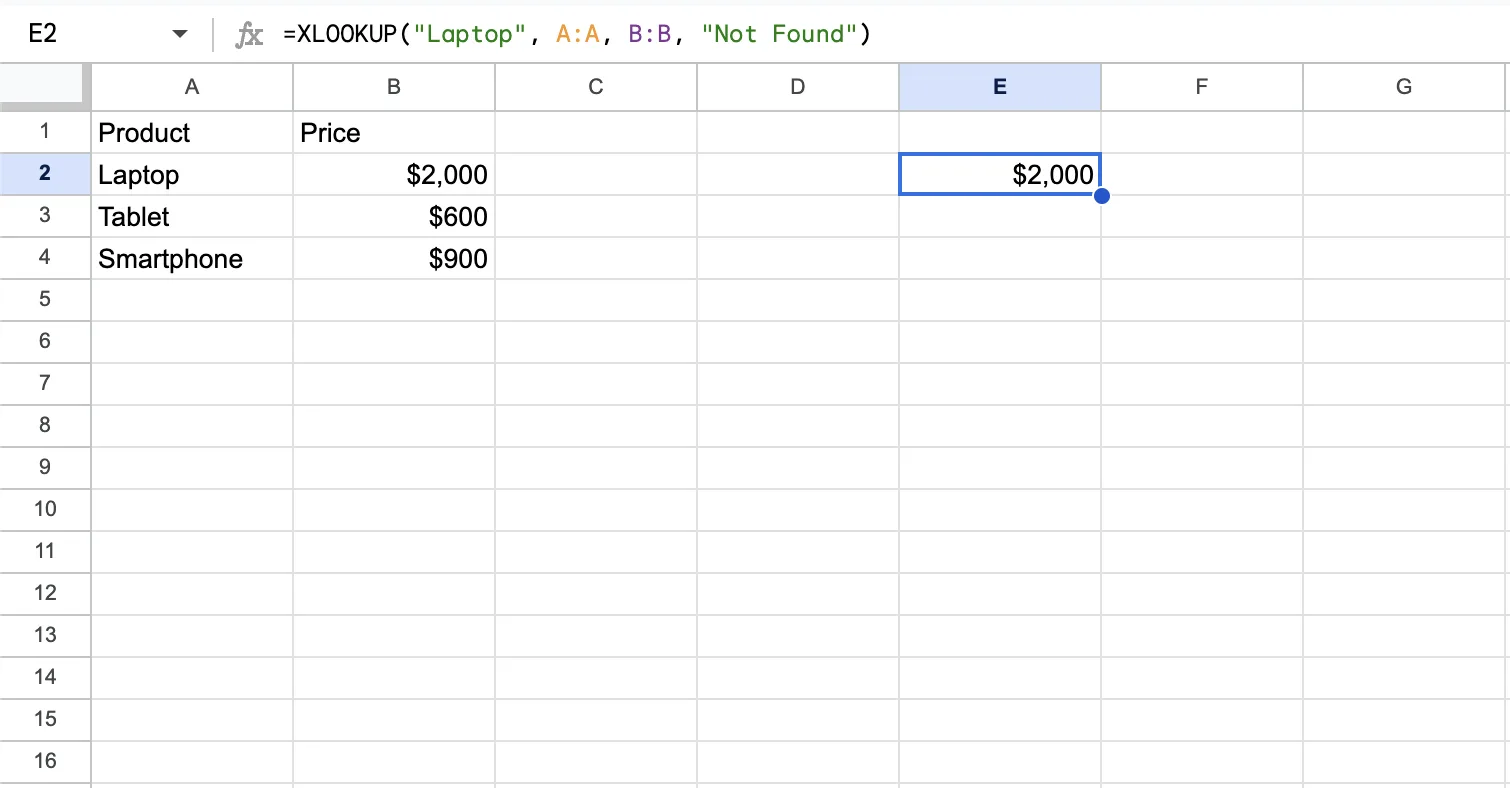
Structured guides, numbered start to finish.
Unlike the blog, guides build on each other in order — the foundation of a course that takes you from absolute beginner to advanced spreadsheet builder.
01Google Sheets from Zero to One
New to Sheets? Start here: cells, ranges, and the five functions to master before anything else.
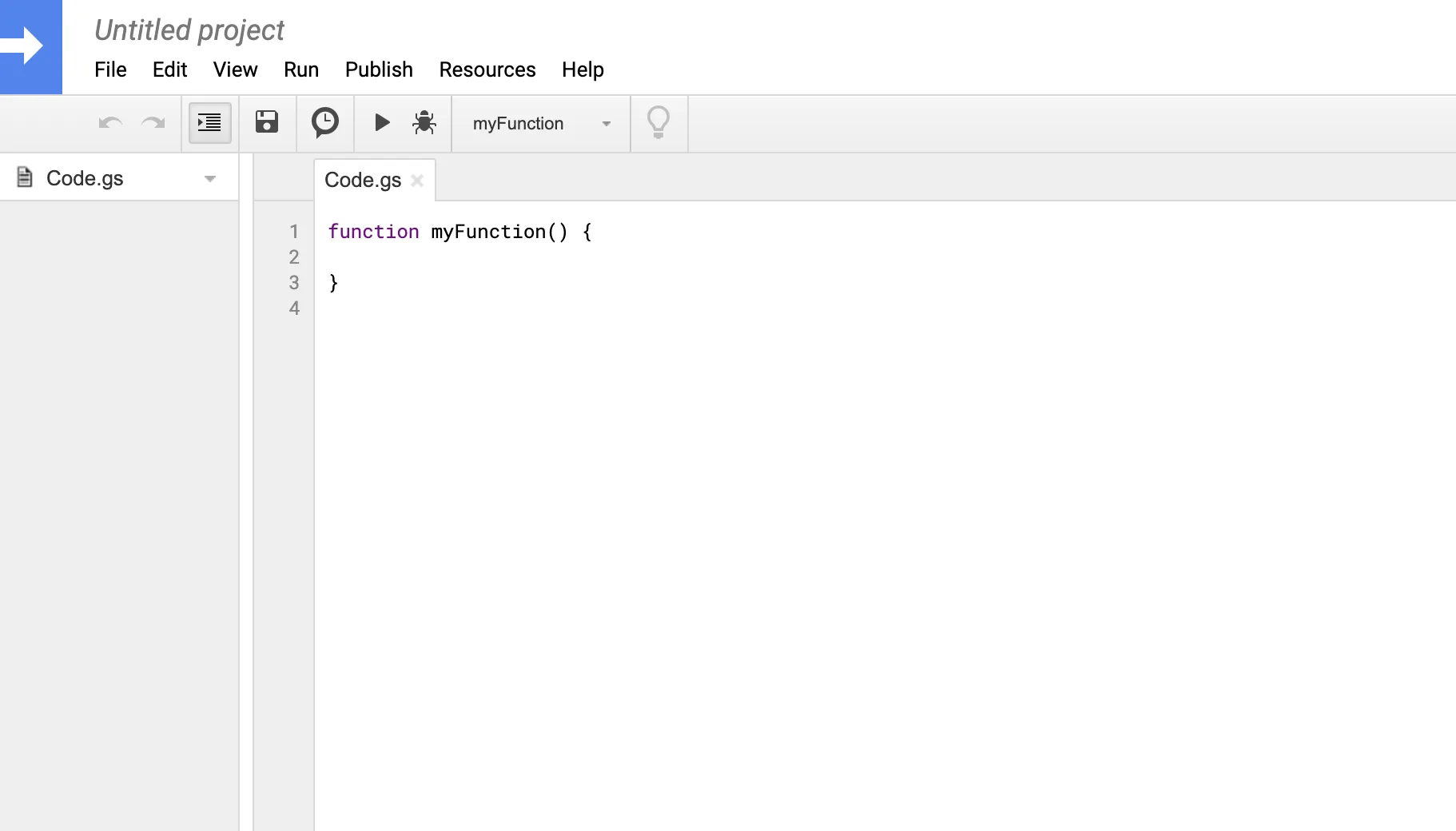
Automate the work that keeps repeating.
Build scripts that send reports, sync data, and keep your spreadsheets running smoothly in the background.
Practical lessons for real spreadsheets.
Learn the tactics behind dashboards, audits, and team workflows.
Mastering the QUERY Function in Google Sheets
Learn SELECT, WHERE, GROUP BY, LABEL, and PIVOT to filter, sort, and summarize data with QUERY — no pivot table required.
Mastering Variables in Google Sheets: A Guide to the LET Function
Learn how LET assigns names to values inside a formula to avoid repeated calculations and make complex formulas easier to read.
LAMBDA in Google Sheets: A Practical Explainer
Learn LAMBDA syntax and the array functions built around it — MAP, REDUCE, SCAN, BYROW, BYCOL, and MAKEARRAY — with practical examples.
XLOOKUP vs INDEX/MATCH in Google Sheets (2026)
Compare XLOOKUP and INDEX/MATCH, learn when to use each, and see practical lookup patterns for modern spreadsheets.
How to Use FILTER + XLOOKUP for Dynamic Dashboards
Build dynamic Google Sheets dashboards by filtering data and mapping IDs to readable labels with XLOOKUP.
Clean Names and Emails in Google Sheets with REGEXEXTRACT and SPLIT
Extract emails, split names, and clean contact data with REGEXEXTRACT, SPLIT, and ARRAYFORMULA.
Your next formula is one guide away.
Free guides, function references and scripts. No sign-up.